Recommended: Install the full Anaconda Distribution. If you run into problems, are working on weird hardware, or have too little diskspace, you can also try Miniconda.
- Follow steps described here.
- Go to Anaconda Downloads and download and install Anaconda.
- Start up the conda navigator, and start the jupyter server.
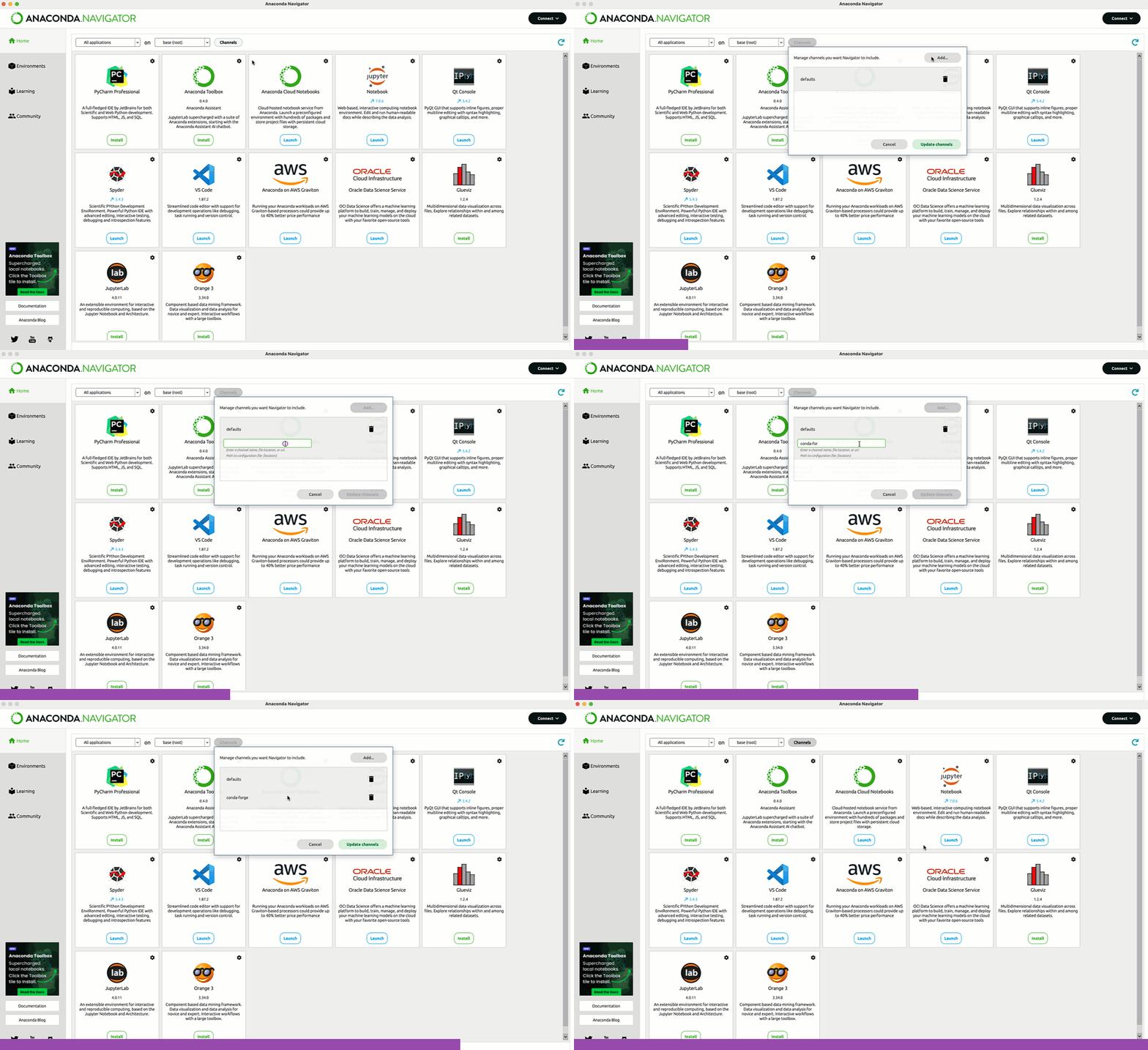
- Open the Environments tab on the left side, select the base environment.
- Click on channels and add
conda-forge(see example). - See Navigator getting started and Managing Environments Tutorial.
- Start the Anaconda Navigator.
- Click the launch button below Jupyter.
- Run the
notebooks/00_jupyter_hello_world.ipynbin Browser (from here on everything is the same, no matter if Miniconda or full Anaconda is installed) - Using jupyter in Browser, navigate to the location where you extracted the zip file and double click on the ipynb file.
You can either use Anaconda Navigator or the Anaconda Prompt:
Open an Anaconda Prompt (either search for it in your start menu, or open via start page of the Anaconda Navigator). Run the following command:
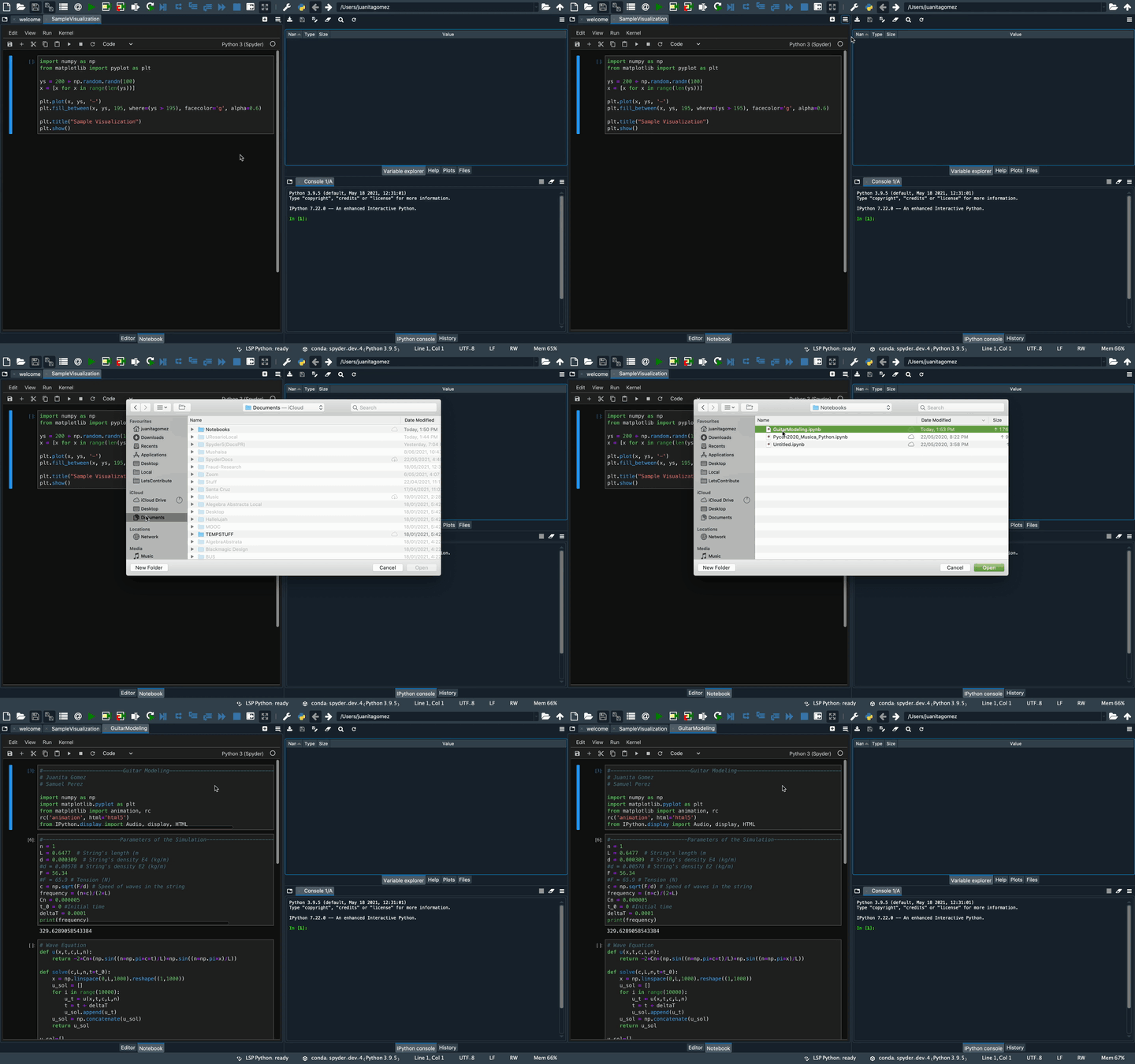
conda install spyder-notebook -c conda-forgeGo to Conda Website and install Miniconda.
- Open a Miniconda prompt (from start menu). (or open a regular cmd shell and run
conda activate base). - Run
jupyter notebookin the prompt and your browser should open the Jupyter start screen. (If it doesnt, scroll up the shell output and find the line with the url http://localhost:8888 ...) - Run the
notebooks/00_jupyter_hello_world.ipynbin Browser (from here on everything is the same, no matter if Miniconda or full Anaconda is installed) - Using jupyter in Browser, navigate to the location where you extracted the zip file and double click on the ipynb file.
conda activate baseconda install anaconda::spyder anaconda::pandas anaconda::scikit-learn anaconda::matplotlib
conda install spyder-notebook -c conda-forge
conda install conda-forge::pytest
conda install anaconda::parameterized
conda install anaconda::seaborn - Jupyter in Browser (recommended)
- Spyder (recommended, already comes with Anaconda)
- PyCharm (recommended, free pro versions for students, Jupyter Notebook support only in pro version)
- VSCode
Start the Anaconda Navigator. Click the launch button below Jupyter.
Find out what MacBook you are using, google what processor architecture it has (intel, arm), and download the correct Anaconda installer and try again. If that doesnt work, try to install Miniconda.
Update to a newer Windows version, or install a lightweight linux distro parallel to your Windows OS (I can recommend Linux Mint for first time users coming from Windows).
Redo the steps described above in 'Notebook support in Spyder'. If you are running Anaconda and installation using Anaconda Navigator doesnt work, use the above described way via the Anaconda Prompt.
Go to the Notebook tab (bottom center of the editor window), and then click on the button with the three vertical bars in the top right corner of this window Example.