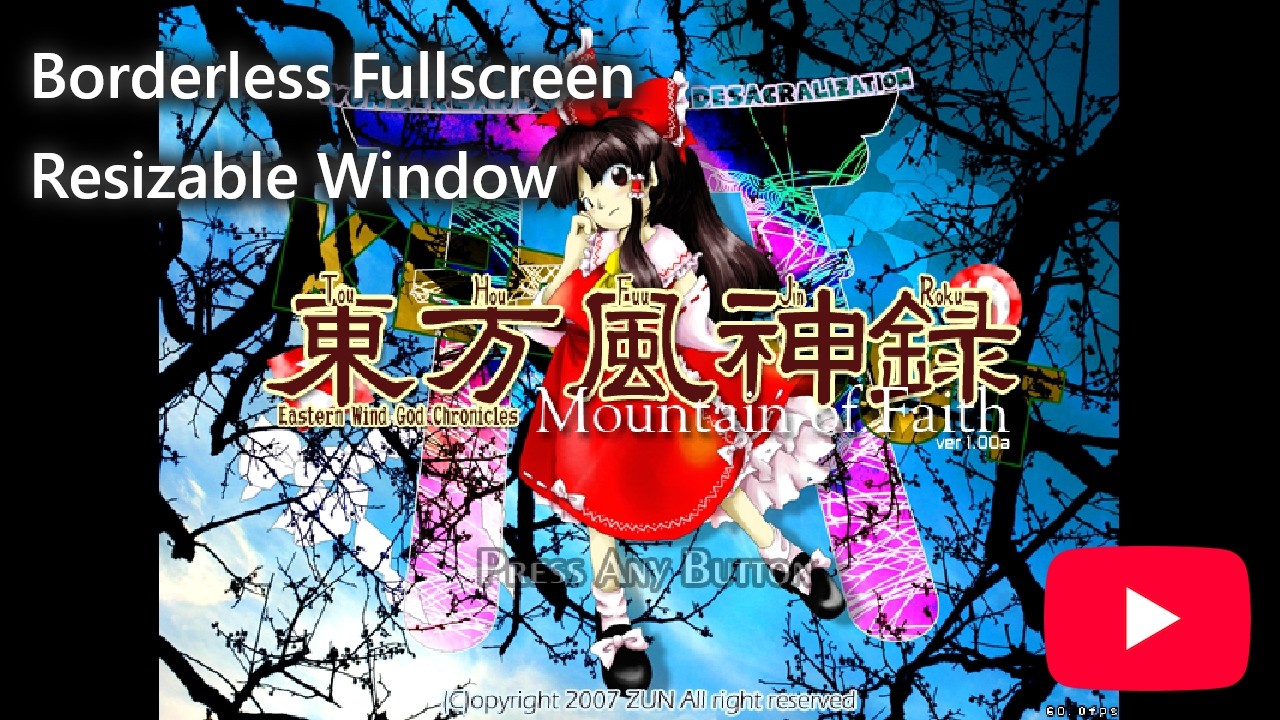
Adds resizable window & borderless fullscreen support to Touhou 10 with aspect ratio preservation.
- The game has Desktop Window Manager opt in for MMCSS scheduling.
- The game will no longer block the Windows key when DirectInput is being used.
- The game now uses a higher timer resolution which provides better V-Sync quality.
- Download the latest release of
th10bp& extract the archive. - Find where your copy of Touhou 10 is located on your system.
- Place
th10.com&th10.dllin the game's install directory.
-
Install & update MSYS2:
pacman -Syu --noconfirm
-
Install GCC x86:
pacman -Syu mingw-w64-i686-gcc --noconfirm
-
Install MinHook:
You must manually build MinHook for
x86.-
Download MinHook's
PKGBUILDfile. -
Open the file & add support for
MINGW32:-mingw_arch=(...) +mingw_arch=('mingw32')
-
Open a MSYS2 terminal & run:
pacman -S --needed base-devel --noconfirm
-
Now build the package using:
makepkg-mingw --cleanbuild --syncdeps --force --noconfirm
-
Install the package using:
pacman -U *.pkg.tar.zst
-
-
Start MSYS2's
MINGW32environment & runBUILD.cmd.