This tool allows to clone, build, and run Jedi Academy using a simplified CI/CD style system.
Developed to automate demo playback, to simulate actual gameplay but in a controlled environment.
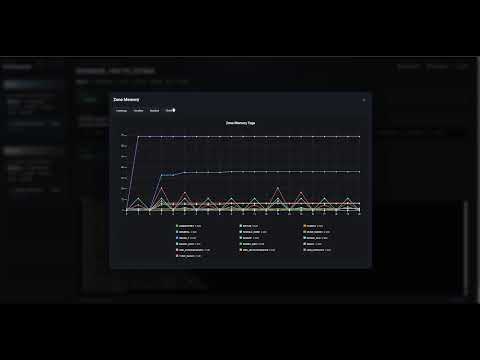
FPS and Memory Zone snapshots are collected.
Demo clips can be placed in base/modded/demos and base/vanilla/demos.
Folder static/run_pipeline_presets contain yml step-style presets eg;
name: Demo
description: Play demos pipeline

steps:
  - id: boot
    type: boot

  - id: wait_10
    type: sleep
    input:
      duration: 10

  - id: run_demos
    type: demo_queue
    input:
      repeat: 2
# handpicked. remove 'demo' arg to play all
      demos:
        - demo001.dm_26
        - demo002.dm_26

  - id: quit
    type: exit
Currently just a handfull of types are supported boot, exit, sleep, command and demo_queue
These can be extended in modules/run_pipeline_steps and registered in modules/run_pipeline.py::__init__::step_types
NOTE: This was not originally intended to be a public project, but it may still be of value to someone.
There is no guarantee that this will receive future updates or maintenance.
I did use GPT to speedup development ..
Click image below to see demo video: