


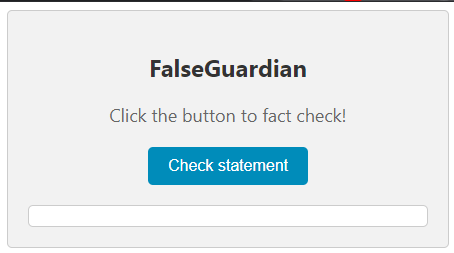
FalseGuardian fact checker extension is a tool designed to promote integrity and truthfulness in online content. By simply selecting text on a webpage, users can quickly and easily check the veracity of the information presented. The extension employs advanced algorithms to analyze the selected text and provide users with relevant fact-checking information from trusted sources.








To get a local copy up and running follow these simple example steps.
This is an example of how to list things you need to use the software and how to install them.
- npm
npm install npm@latest -g
-
Clone the repo
git clone https://github.com/Takaman/2206-Project.git
-
Activate VENV and install python Dependencies
cd 2206-Project/djangoserver

# Either create a virtualenv or install dependencies directly
python -m venv djangoENV
source djangoENV/bin/activate

pip install -r requirements.txt
python -m spacy download en_core_web_lg
python -m spacy download en_core_web_sm
-
Run the local Django Server
python ./manage.py runserver
-
Build Chrome Extension and install node.js modules
cd 2206-Project/FalseGuardian npm install npm run build or npm run watch -
Go to your Chrome Browser's Extension page and load unpacked package
-
Navigate to the newly create /build folder
-
Select the folder
-
-
Select text to fact check
First-layer approach
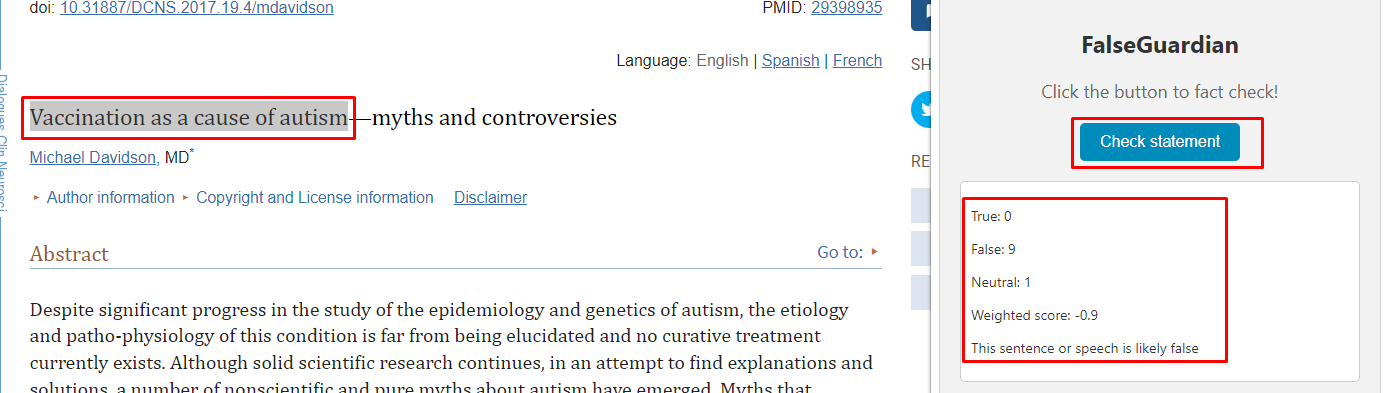
Second-layered approach
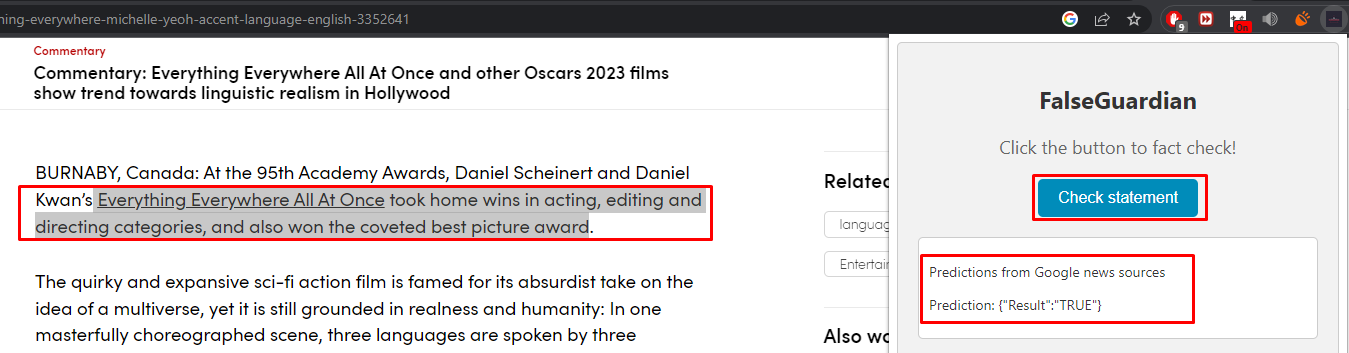 The results would appear at the popup extension.
The involvement of these individuals was crucial for the creation of this project.
Distributed under the MIT License. See LICENSE.md for more information.