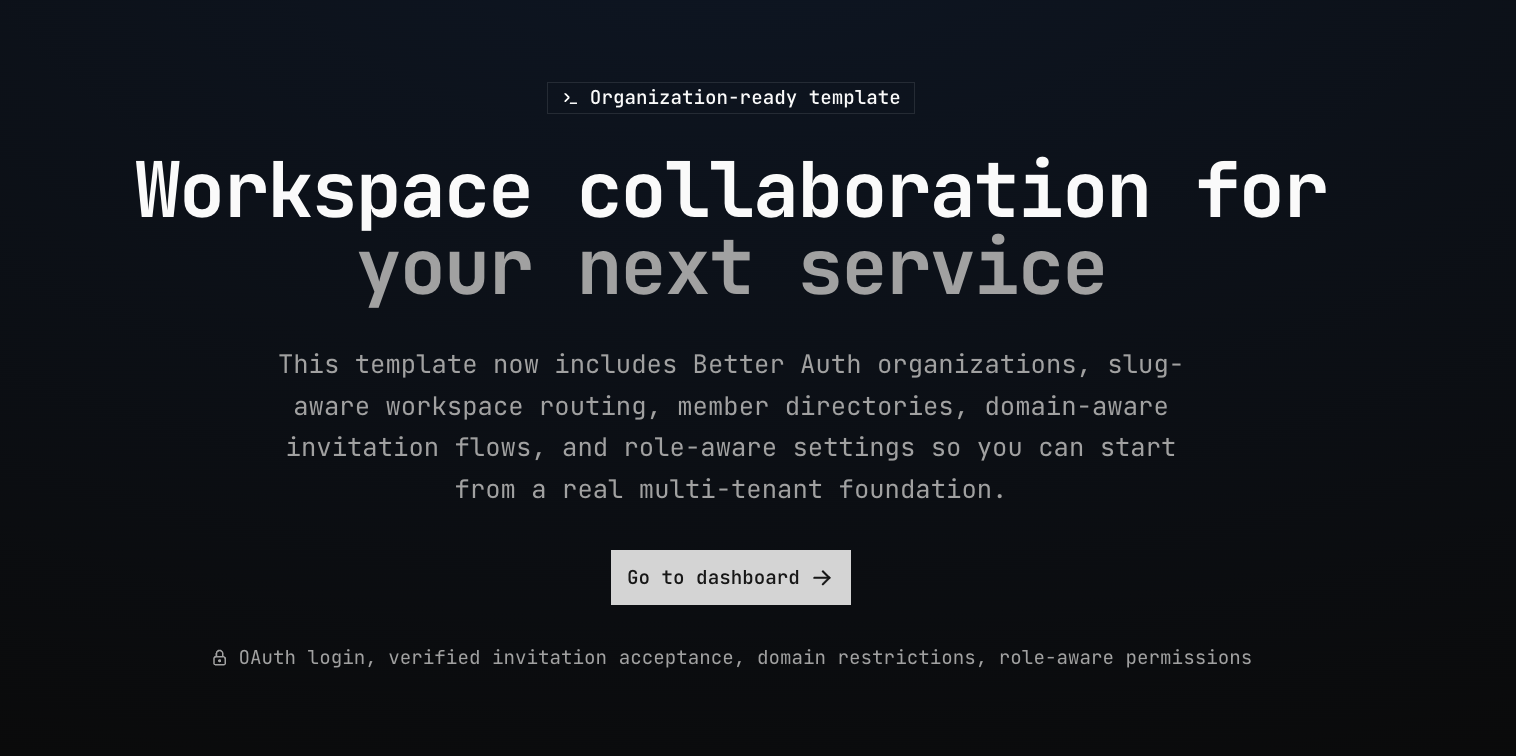

A localized, organization-ready starting point for building custom services with Next.js, TypeScript, Tailwind CSS v4,
Better Auth, Prisma, next-intl, and shadcn/ui.
The template ships with public and protected application flows, feature-sliced modules, server actions, Prisma-backed persistence, social authentication, bilingual UI/message infrastructure for English and Russian, and collaboration flows built around organization-backed workspaces.
After generating a new repo from this template, follow TEMPLATE.md for environment variables, auth, and domain setup.
- Authentication with protected and public routes
- Better Auth organizations used as the backing model for workspaces
- Better Auth Teams enabled for explicit workspace subgroups without automatic default teams
- Organization-scoped workspace routes under
/w/:organizationKey/...with slug-preferred URLs and active/fallback workspace resolution - Workspace management, settings, member directory, team management, and invitation surfaces
- Role-aware owner/admin/member controls for adding members and updating member roles
- Invitation lifecycle: create, list, copy link, accept, reject, expire, optional team targeting, and personal pending-invitation entry points
- Workspace email-domain restrictions for invitation creation, invitation acceptance, and out-of-policy member warnings
- Zero-workspace onboarding that keeps workspace creation and invitation review available
- Internationalization with
next-intland typed message catalogs - Feature Slice Design structure for isolating business logic
- Server actions, validation, and cache invalidation patterns
- Optional Redis/Valkey-backed Next.js cache handlers for Cache Components and ISR
- Shared UI primitives and layout scaffolding
- Localized metadata, sitemap, robots, manifest, and OG image setup
- Example modules for accounts, organizations, workspaces, invitations, settings, and dashboard flows
- Frontend: Next.js 16, React 19, TypeScript, Tailwind CSS v4, shadcn/ui
- Backend: Next.js Server Actions, Prisma ORM, PostgreSQL
- Auth: Better Auth with OAuth providers and the organization plugin with Teams enabled
- Caching: Next.js Cache Components with optional Redis/Valkey via
@mrjasonroy/cache-components-cache-handler - Localization:
next-intl
Workspaces are the product-facing concept, while Better Auth organizations provide the underlying membership and
permission model. Routes under /w/:organizationKey/... resolve either an organization slug or id, and the global
/dashboard route redirects to the best available workspace context: active organization or a deterministic fallback.
Workspace settings include general workspace details, allowed email domains, users, invitations, explicit Better Auth Teams, and a placeholder section for roles. Authorized users can create workspaces, update workspace details, switch the active workspace, add existing users by id, create and manage teams, add existing workspace members to teams, create shareable invitations, optionally target invitations to a team, and update assignable member roles. New workspaces do not create an automatic default team; the workspace organization remains the implicit all-members context, and zero explicit teams is a valid state. Workspace switchers preserve equivalent base workspace routes when switching context and fall back to the selected workspace dashboard for unknown or complex routes. Regular members retain read-only access to the directory, teams, and settings context where they do not have management permissions.
Invitations are stored in PostgreSQL, tied to organizations, and exposed through both admin and current-user flows. Invitees can open a dedicated invitation route after authentication, review the inviter, workspace, optional target team, role, and expiration details, then accept or reject when their verified primary email matches the invitation and the workspace's active allowed-domain policy. Workspace admins can restrict new invitations to exact email domains, and existing members outside the active policy are surfaced with warnings rather than removed automatically.
- Node.js 22+ and npm
- PostgreSQL database
- Optional Redis or Valkey instance for distributed cache storage
- Create a project from this template on GitHub (Use this template), or clone the repository.
git clone <repository-url>
cd <project-directory>- Install dependencies.
npm install-
Copy
.env.exampleto.env.localand set the values (see Environment variables below). -
Run database migrations.
npx prisma migrate dev- Start the development server.
npm run devOpen http://localhost:3000 in your browser.
Required for local development (see .env.example for a minimal set):
| Variable | Purpose |
|---|---|
DATABASE_URL |
PostgreSQL connection string (used by Prisma) |
BETTER_AUTH_SECRET |
Secret for Better Auth session signing |
BETTER_AUTH_URL |
Server-side app URL (e.g. http://localhost:3000) |
NEXT_PUBLIC_APP_BASE_URL |
Same origin, exposed to the auth client |
PUBLIC_DEFAULT_LOCALE |
Default locale for the template (en by default) |
NEXT_PUBLIC_YM_COUNTER_ID |
Optional Yandex Metrika counter id for client-side analytics |
REMOTE_CACHING_ENABLED |
Enables Redis/Valkey-backed cache handlers when set to true |
REDIS_URL / VALKEY_URL |
Redis or Valkey connection URL used when remote caching is enabled |
REDIS_PASSWORD |
Optional password injected when the cache URL does not include one |
REMOTE_CACHING_PREFIX |
Key/tag prefix for isolating cache entries per app or environment |
By default REMOTE_CACHING_ENABLED=false, so the template uses the local memory fallback supplied by the custom cache
handlers. Set REMOTE_CACHING_ENABLED=true with either REDIS_URL or VALKEY_URL to share Cache Components and ISR
cache entries across multiple Next.js instances. Use a unique REMOTE_CACHING_PREFIX for each deployed app or
environment when sharing one Redis/Valkey service.
OAuth (configure only what you use; see src/server/auth.ts):
| Variable | Providers |
|---|---|
GOOGLE_CLIENT_ID / GOOGLE_CLIENT_SECRET |
|
GITHUB_CLIENT_ID / GITHUB_CLIENT_SECRET |
GitHub |
GITLAB_CLIENT_ID / GITLAB_CLIENT_SECRET |
GitLab |
VK_CLIENT_ID |
VK |
YANDEX_CLIENT_ID / YANDEX_CLIENT_SECRET |
Yandex (generic OAuth) |
Only providers with all required environment variables are registered with Better Auth and shown in the login and account connection UI.
The template now includes a default bilingual setup:
- Supported locales:
en,ru - Locale config:
src/i18n/config.ts - Message catalogs:
src/messages/ - Shared helpers for page metadata and UI translations
Use the existing message namespace structure as the default pattern when adding new features.
This template runs on Next.js 16 with cacheComponents: true enabled. At the moment, the next-intl plugin does
not support Cache Components, so locale switching inside a single deployment is intentionally limited.
The currently supported approach is to deploy separate application instances on different domains (or subdomains), each
with its own language configured through environment variables such as PUBLIC_DEFAULT_LOCALE. For example, you can
deploy one instance for en and another for ru, each with its own domain-level locale setup.
npm run dev- Start development server (runsprisma generatefirst)npm run build- Build for productionnpm start- Start production servernpm run lint- Run ESLintnpm run format- Format code with Prettiernpm run test- Run Jest tests
├── src/
│   ├── app/                 # Next.js App Router (route groups, API routes)
│   ├── components/          # Shared UI (shadcn, application shell)
│   ├── features/            # Feature modules (FSD)
│   ├── lib/                 # Shared utilities
│   ├── server/              # Server-only (Prisma, auth)
│   ├── hooks/               # Shared React hooks
│   ├── i18n/                # next-intl config and message loading
│   ├── messages/            # Locale message catalogs
│   └── types/               # Shared TypeScript types
├── prisma/                  # Schema and migrations
├── public/                  # Static assets
├── test/                    # Jest tests
├── docs/releases/           # Saved release notes
└── AGENTS.md                # Conventions for contributors and AI assistants
- TEMPLATE.md — Checklist after creating a repo from this template
- docs/releases/README.md — Saved release notes for published template versions
- CONTRIBUTING.md — How to contribute to the template
- SECURITY.md — Reporting security issues
- AGENTS.md — Architecture, commands, and patterns used in the codebase
MIT — see LICENSE.