Attention router for CLI coding-agent swarms in tmux—monitor and respond from your phone.
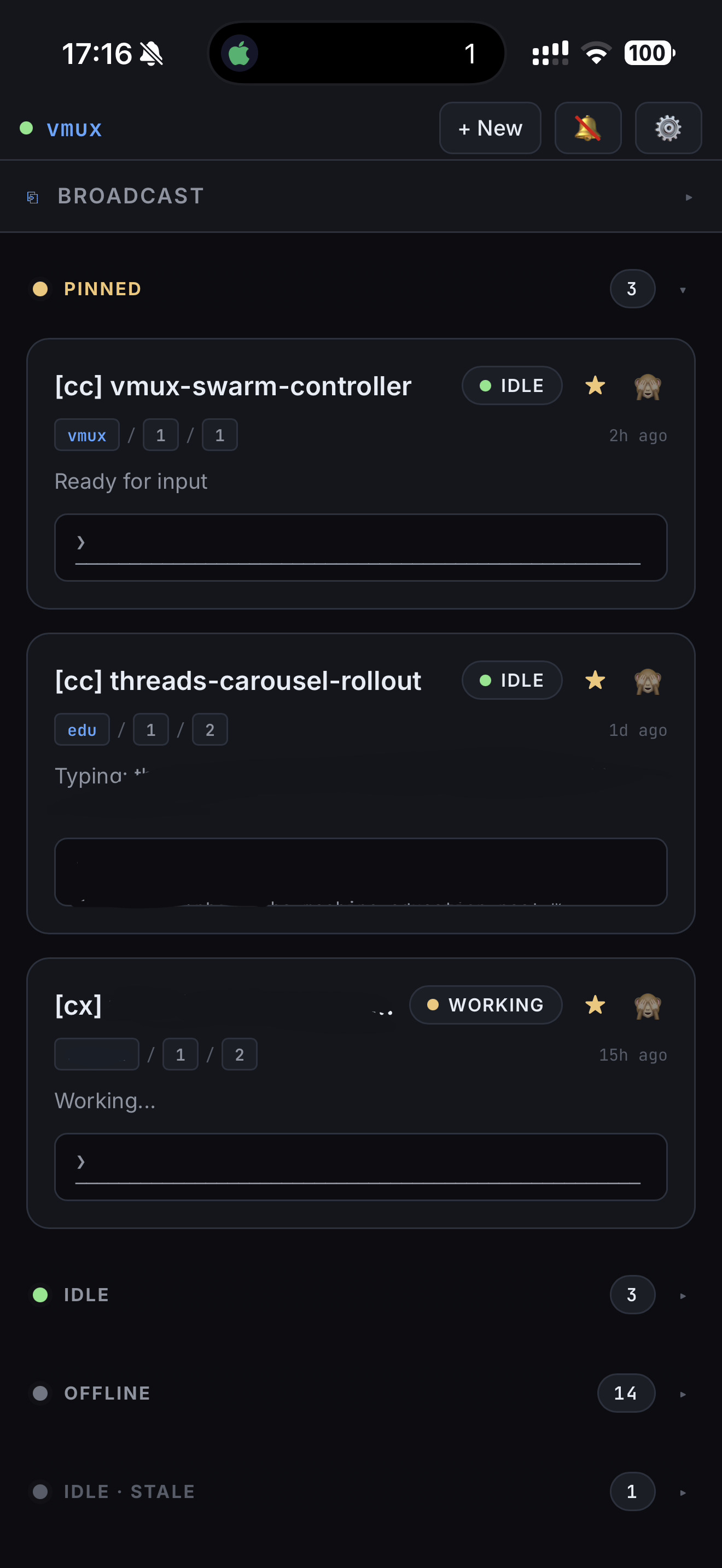
vmux watches your tmux panes, identifies which agent needs attention, turns supported terminal dialogs into tappable choices, and sends your response back through tmux. The backend and installable PWA run on your machine: no hosted account, telemetry, or cloud control plane.
The native iOS app remains separate from that self-hosted data path. Beginning with iOS version 1.0.1, it offers optional anonymous PostHog analytics only after explicit consent; the server and PWA do not participate. See the privacy policy for the version-specific details.
Important
vmux is an early 0.x release. macOS is used daily; Linux should work but needs broader verification, and WSL support is not yet verified.
- Python 3.10–3.14
- tmux
- pipx for an isolated install
Install the vmux-agent distribution from PyPI:
pipx install vmux-agentThe CLI command and Python import are both vmux.
Start at least one coding agent inside tmux, then run:
vmuxOpen http://127.0.0.1:8787. vmux discovers agent panes automatically and places panes needing input first. To include ordinary shell panes while testing:
vmux --include-shellsUse your browser's Add to Home Screen action to install the PWA. The native
iOS companion is released separately for iPhone and iPad and uses its own
version and build numbers; its source and release documentation live under
ios/.
The workspace adapts by width rather than input device: phones use a four-item Queue/Active/All/Stats dock, tablets use a 360-pixel master/detail split, and wide screens retain the three-column navigator, attention queue, and inspector. Pane detail, tree navigation, settings, and connection recovery remain keyboard and screen-reader accessible in every layout.
vmux sends keystrokes to processes running as you, so network access is security-sensitive:
- Localhost is the default and safest mode.
- Tailscale is the recommended way to reach vmux remotely. Bind a reachable interface and always set a bearer token.
- SSH local-port forwarding is supported while vmux remains bound to localhost. The tunnel must run on the device that opens the browser; on a phone, this requires an SSH client that exposes a local forward.
- Direct LAN access requires a bearer token and should be used only on a trusted network.
- Public-internet access requires a bearer token and HTTPS at a correctly configured reverse proxy. Keep vmux's plain-HTTP listener private.
Never expose bare vmux HTTP to the public internet. WebRTC, PeerJS, signaling or hosted relays, automatic port forwarding, and unauthenticated public exposure are outside the supported model. See the remote-access guide before using a non-loopback bind.
- Discovers tmux panes and classifies Claude Code, Codex, Grok, OpenCode, Antigravity, generic agents, and shells.
- Ranks
needs_input,error,working,idle, andofflinestates. - Parses Claude Code selections, structured Codex questionnaires, and conservative numbered dialogs; configurable regexes cover common prompts from other CLIs.
- Optionally enables one experimental structured workspace for supported Codex and Claude Code sessions: current goal/task, progress, blockers, resumable deltas, visible chat, Review, and a historical timeline. It is off by default and enabled server-wide in Settings → Experimental.
- When enabled, persists normalized agent snapshots locally for 30 days by default without copying hidden reasoning, raw tool results, or terminal scrollback into the agent database.
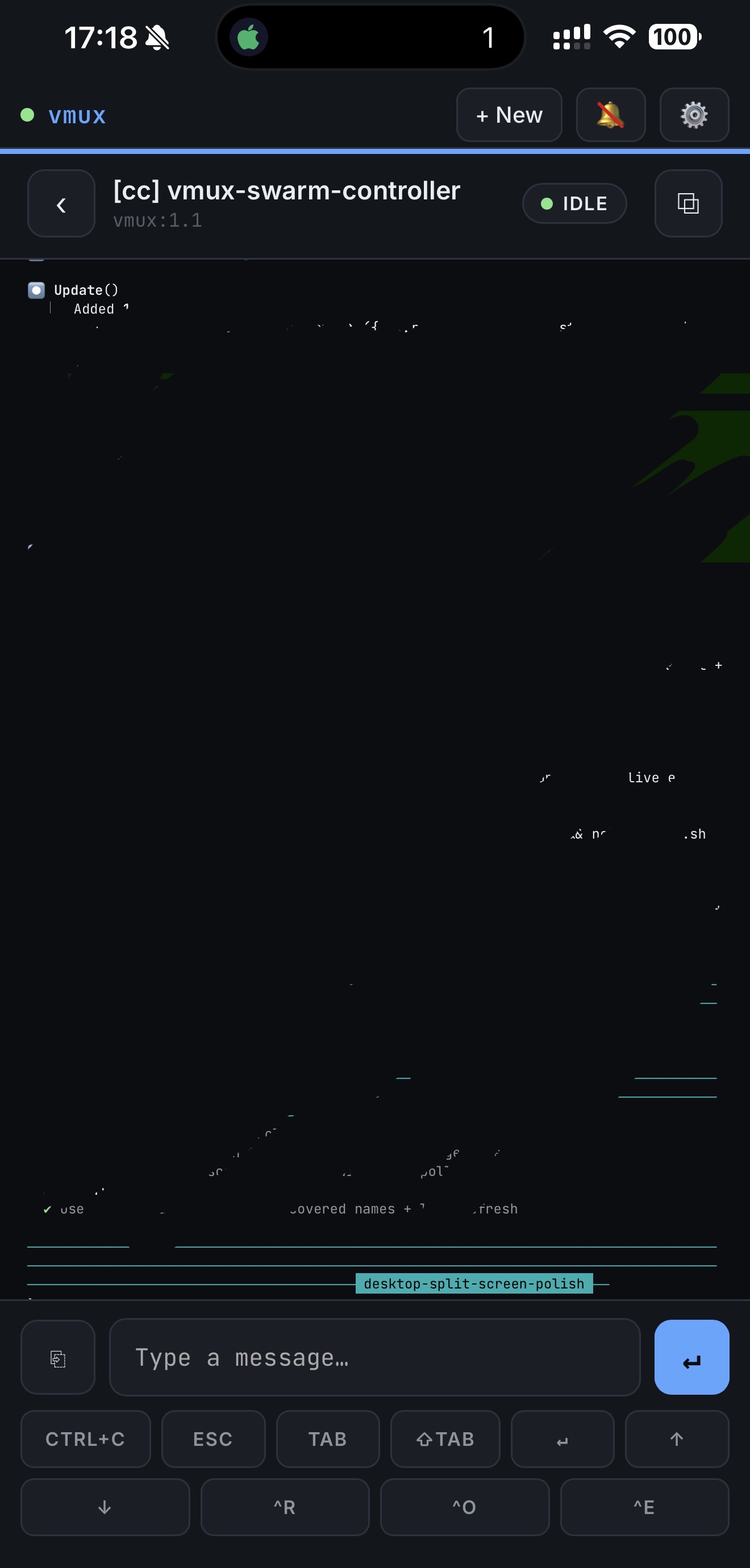
- Shows captured scrollback in faithful no-wrap or wrapped terminal views, with full-screen presentation, follow-tail recovery, extracted links, snippets, customizable allow-listed shortcut keys, pane stars, and connected sessions.
- Sends literal text, menu choices, or one broadcast message to multiple panes.
- Creates detached tmux sessions, windows, and split panes inside explicitly configured server-side roots, with server-controlled Shell, Codex, Claude, Antigravity, Grok Build, and OpenCode runtime presets.
- Uploads pasted or selected images to private 24-hour host storage and appends the shell-safe path to terminal or agent drafts without submitting them.
- Includes an opt-in tokscale Stats dashboard with cost/token history, client and model breakdowns, provider quotas, and accessible tables.
- Shows explicit Connecting, Live, Updating via REST, Offline, Unauthorized, and Incompatible states while retaining the last in-memory pane snapshot.
- Supports optional smart pane names and an APNs backend for compatible companion clients.
- Vendors the PWA runtime assets; no third-party CDN is loaded.
- Getting started
- Remote access
- Configuration
- Agent context and Review
- Troubleshooting
- Architecture and client API
For a compact repository-local path, see QUICKSTART.md.
For app and server help, see the vmux Agent Console support page or email support@imitationalpha.com.
Bug fixes and objective documentation corrections may be submitted directly. Significant features—and all networking, authentication, wire-contract, or dependency-expanding changes—need maintainer agreement in an issue first. Read CONTRIBUTING.md, the Code of Conduct, and SECURITY.md before opening a pull request or security report.
MIT © imitation-alpha