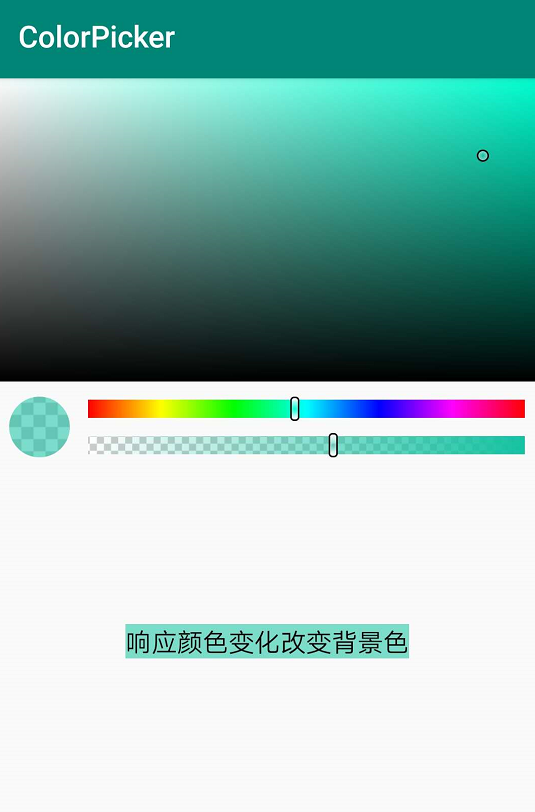
仿AndroidStudio自带的Andriod颜色选择器控件
Step 1. Add the JitPack repository to your build file
Add it in your root build.gradle at the end of repositories:
allprojects {
		repositories {
			...
			maven { url 'https://jitpack.io' }
		}
	}
Step 2. Add the dependency
dependencies {
          implementation 'com.github.shixiuwen:colorpicker:v1.0.5'
  }
eg:
final TextView tvTest = findViewById(R.id.tv_test);
ColorPickerView colorPicker = findViewById(R.id.cpv_color_picker);
//对控件进行回调监听,获取颜色值color
colorPicker.setOnColorChangeListener(new OnColorChangeListener() {
    @Override
    public void colorChanged(int color) {
	tvTest.setBackgroundColor(color);
    }
});